Networking Simplified: Connecting the Digital Dots 🌐🔗

In our interconnected world, networking is like the secret sauce that binds everything together. Whether you’re a tech enthusiast or just curious about how the internet works, let’s dive into the fascinating realm of networking! 🚀
1. What Is Networking?
networking is all about bridging gaps and enabling communication between devices. Imagine it as a cosmic web where computers, smartphones, and even your smart fridge chat over virtual coffee.☕

2. Types of Networks
Let’s explore the different flavors of networks:
Local Area Network (LAN)

A Local Area Network (LAN) is a network that interconnects computers within a limited area, such as a residence, school, laboratory, university campus, or office building. 🏠🎮
What? A LAN is like a cozy neighborhood where devices (think laptops, printers, and gaming consoles) hang out within a limited area (your home or office).
Why? It’s perfect for sharing files, streaming Netflix, and playing multiplayer games. 🏠🎮
Wide Area Network (WAN)

A Wide Area Network (WAN) is a telecommunications network that extends over a large geographic area. Unlike a Local Area Network (LAN), which is confined to a small, localized area, a WAN connects groups of computers over long distances. 🌎📧
What? WANs are the globetrotters of networks. They connect LANs across cities, countries, and continents.
Why? Picture this: your email zips from Tokyo to New York in seconds. 🌎📧
Wireless Networks

:
A Wireless Network refers to a computer network that utilizes Radio Frequency (RF) connections between nodes within the network. These networks are prevalent in homes, businesses, and telecommunications infrastructure. 📶🔌
What? Wi-Fi, Bluetooth, and 5G—these networks cut the cords and set our devices free.
Why? Because wires are so last century! 📶🔌
Cloud Networks
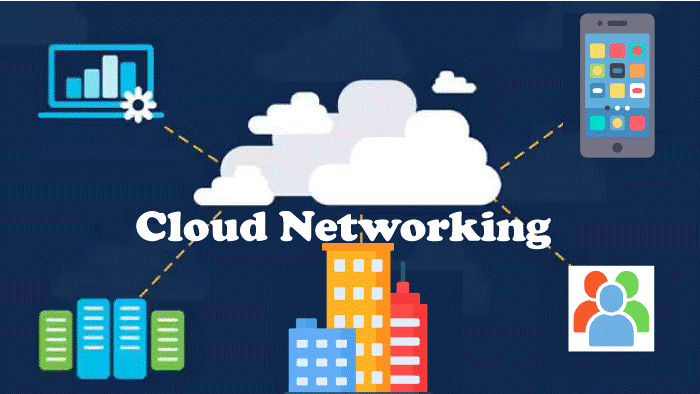
Cloud networking refers to the use of cloud-based services to deploy a corporate network that connects an organization’s employees, resources, and applications. ☁️📂
What? Clouds aren’t just fluffy; they’re virtual playgrounds where apps and data mingle.
- Why? Access your files from anywhere, anytime. ☁️📂
3. Networking Components
Let’s dive into the fascinating world of networking components. 🌐🔍
1. Routers 🚦
Role: These are the traffic directors of the network. Imagine them as GPS systems for data packets. They decide which path data should take to reach its destination.
Functionality: Routers connect different networks (like your home network and the internet) and ensure efficient data flow.
Analogy: Think of routers as the intersection points where data highways meet. They guide traffic to the right lanes.
2. Switches 🔗
Role: Switches are like matchmakers for devices within a local network (like your home or office). They connect computers, printers, and other gadgets.
Functionality: When you send an email to your colleague in the same office, the switch ensures it reaches the right computer.
Analogy: Picture switches as the friendly connectors at a networking party—they introduce devices to each other.
3. Firewalls 🔥🛡️
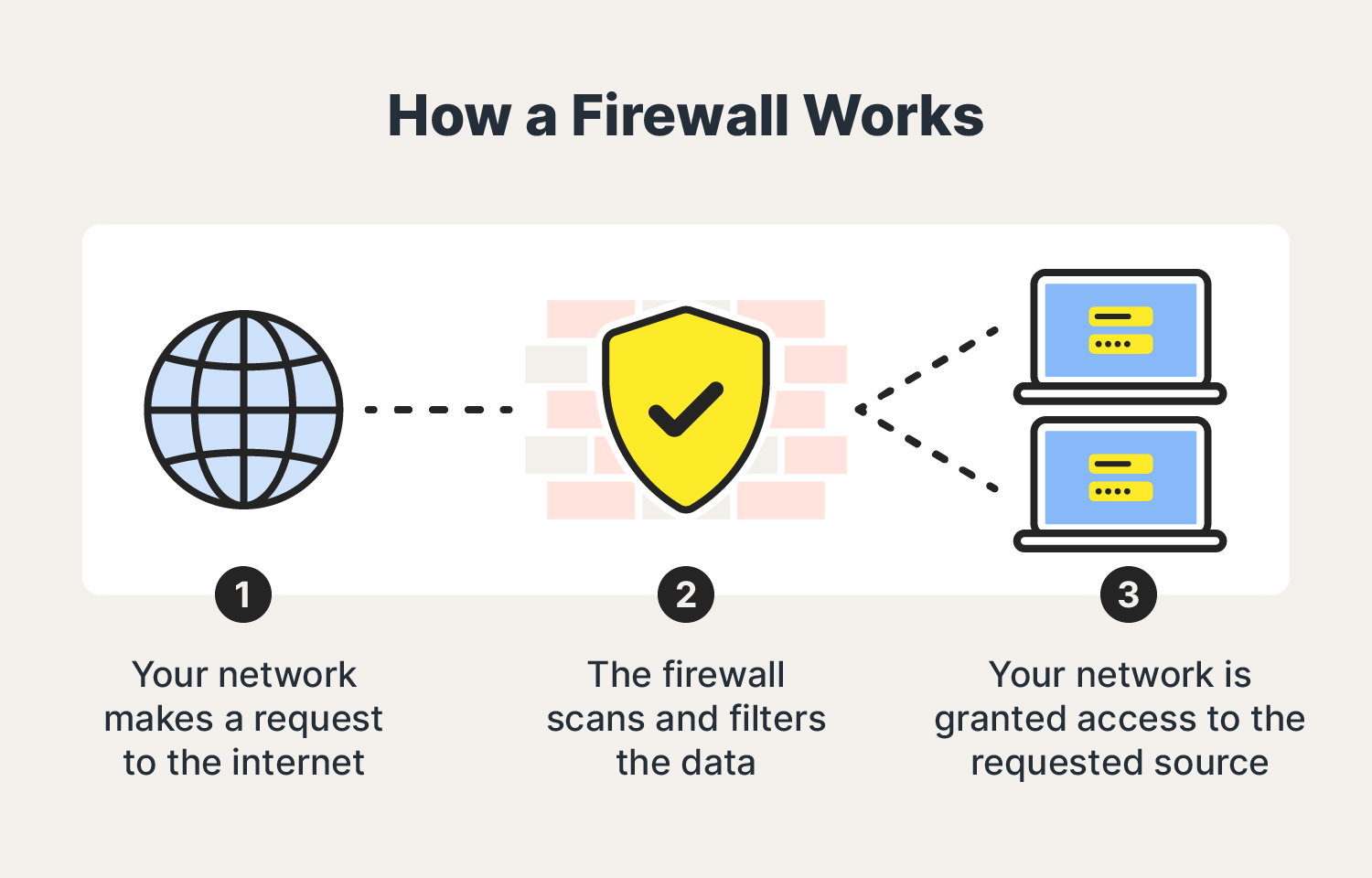
Role: Firewalls are the security guards of your network. They protect against unauthorized access, viruses, and cyber threats.
Functionality: Firewalls monitor incoming and outgoing traffic, allowing only legitimate data to pass through.
Analogy: Imagine firewalls as the bouncers at a VIP club—they scrutinize every guest before granting entry.
4. Protocols (TCP/IP) 📜🚗
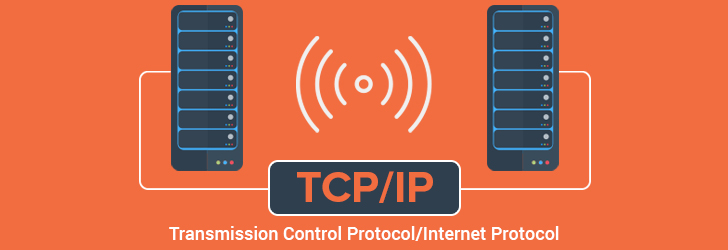
Role: Protocols are the rulebooks for data exchange. They define how devices communicate.
Functionality: The famous TCP/IP protocol ensures reliable data transmission across the internet.
Analogy: Think of protocols as road signs—they tell data packets where to go and how fast.
5. IP Addresses 🔢

Role: IP addresses are like digital fingerprints for devices. Each device gets a unique identifier.
Functionality: When you visit a website, your device’s IP address helps the server find you.
Analogy: Consider IP addresses as house numbers—they ensure mail (data packets) reaches the right doorstep.


