🌐 Understanding IP Configuration with ipconfig

Ipconfig, short for “Internet Protocol configuration,” is a powerful command-line tool that provides insights into your network settings. Whether you’re troubleshooting connectivity issues or simply curious about your IP addresses🚀
What Is ipconfig?
Ipconfig is your trusty sidekick for viewing and configuring network settings on a Windows computer.
It’s like a backstage pass to your network connections, revealing essential details about how your system communicates with the digital universe. 🌐
📊 Basic Usage
To summon ipconfig, open your Command Prompt (or PowerShell) and type:
ipconfigHit Enter, and behold! A treasure trove of network information unfolds before your eyes. 🤓
🌐 What Can You Discover?
IP Addresses Galore!
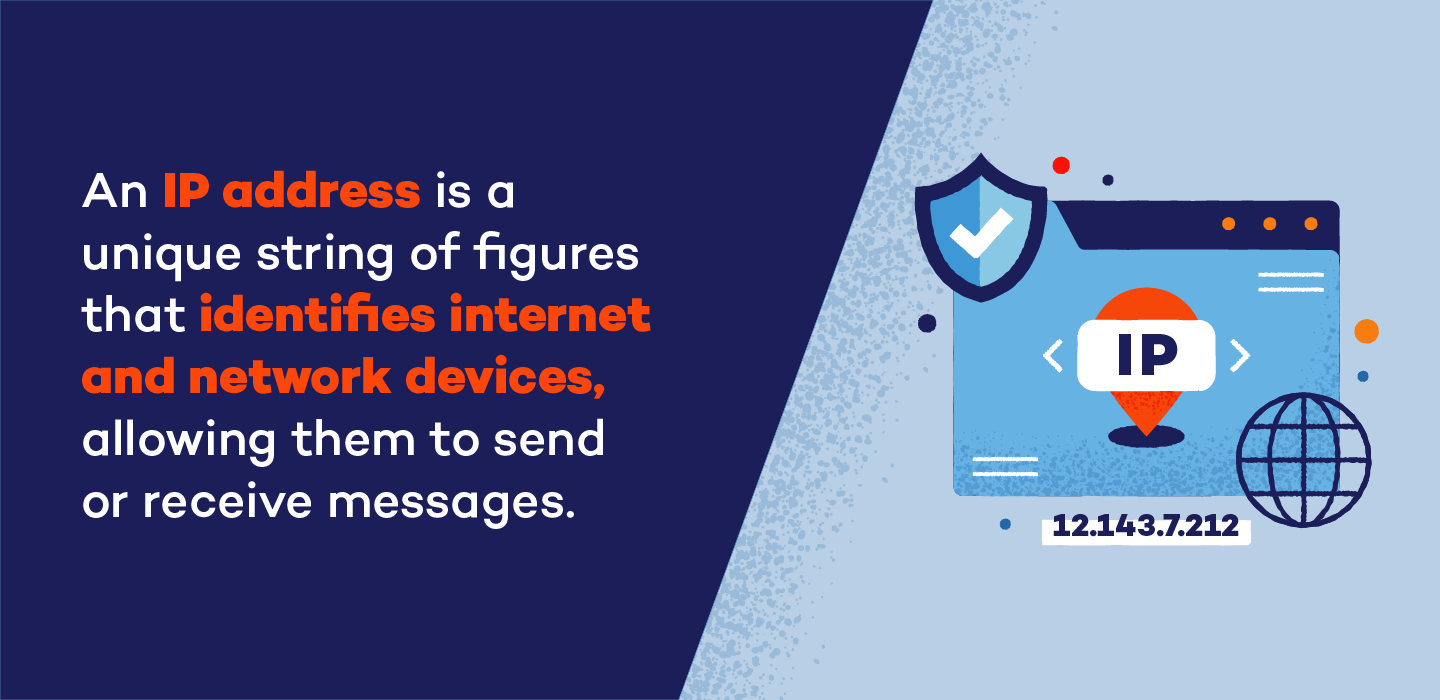
IPv4 Address: Your computer’s unique identifier in the IPv4 world.
IPv6 Address: The futuristic counterpart for the next-gen internet.
Subnet Mask: Like a protective force field around your IP address.
Default Gateway: The gateway to the vast online realm. 🚪
DNS Magic

DNS Servers: The mystical beings that translate domain names into IP addresses.
DNS Resolver Cache: A secret stash of recently resolved names. 🧙♂️
Release and Renew
/release: Sends a message to the DHCP server, saying, “I’m done with this IP, take it back!”
/renew: Politely asks the DHCP server for a fresh IP lease. 🔄
Flush the Cache
/flushdns: Clears out the DNS cache, wiping away old entries like a digital broom.
/registerdns: Manually registers DNS names and IP addresses. 🧹
🚀 Practical Tips
Local IP Address: Find it with a simple
ipconfig. It’s like peeking at your home address.Public IP Address: Use
curlifcfg.meor other tricks to reveal your internet-facing identity. 🕵️♂️
🌟 Conclusion
Ipconfig is your backstage pass to network enlightenment. So next time you’re puzzled by connectivity woes, whip out your command-line wand and chant, “Ipconfig, reveal thy secrets!” ✨
Remember, knowledge is power, and with ipconfig, you’re one step closer to becoming a networking wizard! 🧙♀️


